


|
|
|
|
||||
|
Welcome to the GoFuckYourself.com - Adult Webmaster Forum forums. You are currently viewing our boards as a guest which gives you limited access to view most discussions and access our other features. By joining our free community you will have access to post topics, communicate privately with other members (PM), respond to polls, upload content and access many other special features. Registration is fast, simple and absolutely free so please, join our community today! If you have any problems with the registration process or your account login, please contact us. |

 |
|
|||||||
| Come here to learn from top industry professionals. SEO, Content Management, Automation, Marketing, and much more! |
|
|
Thread Tools |
 05-27-2026, 04:55 AM
|
#1 |
|
Confirmed User

Industry Role:
Join Date: Oct 2024
Posts: 82
|
 Increase Video Click-Through Rate With Better Preview Thumbnails
Most webmasters underestimate how important video thumbnails really are.
But the truth is simple: The thumbnail is often the single most important factor deciding whether a visitor clicks your video or keeps scrolling. A better preview thumbnail means: - Higher CTR - More video views - Better engagement - Longer watch time - Higher monetization potential That’s why working with thumbnails should not be treated as some cosmetic adjustment. It is a critical part of every successful video content platform. In this short tutorial, we’ll show how incredibly easy it is to create high-converting preview thumbnails directly inside Tubes Booster CMS. Tubes Booster allows you to: - Browse video scenes using the timeline slider - Instantly preview different moments from the video - Select the best frame with one click - Automatically set it as the main video thumbnail No Photoshop. No manual screenshot editing. No complicated workflow. Just move through the video timeline, find the perfect moment, and click: Set current preview frame That selected frame immediately becomes your main video preview thumbnail. Step 1 — Open Video Editing Click on Edit Video for the video you want to optimize. Inside the video details page, you’ll see the preview player along with automatically generated video screenshots. These screenshots can be used as preview thumbnails for your video website. When selecting a thumbnail, focus on: - Visually attractive moments - Sharp and high-quality frames - Scenes that best represent the video - Frames that instantly capture attention 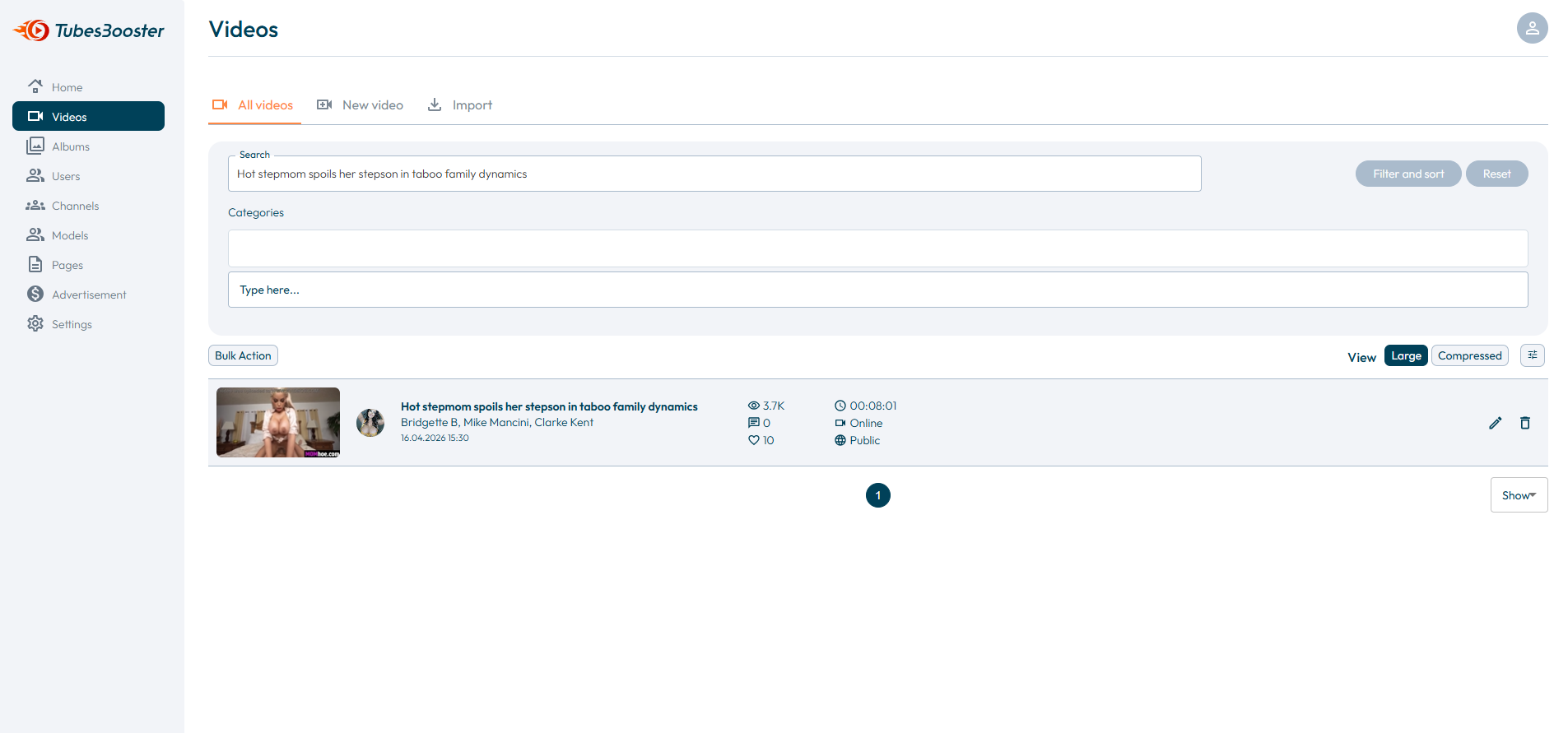 Step 2 — Browse Video Scenes Use the video timeline slider to browse through different scenes and find the frame with the highest click potential. 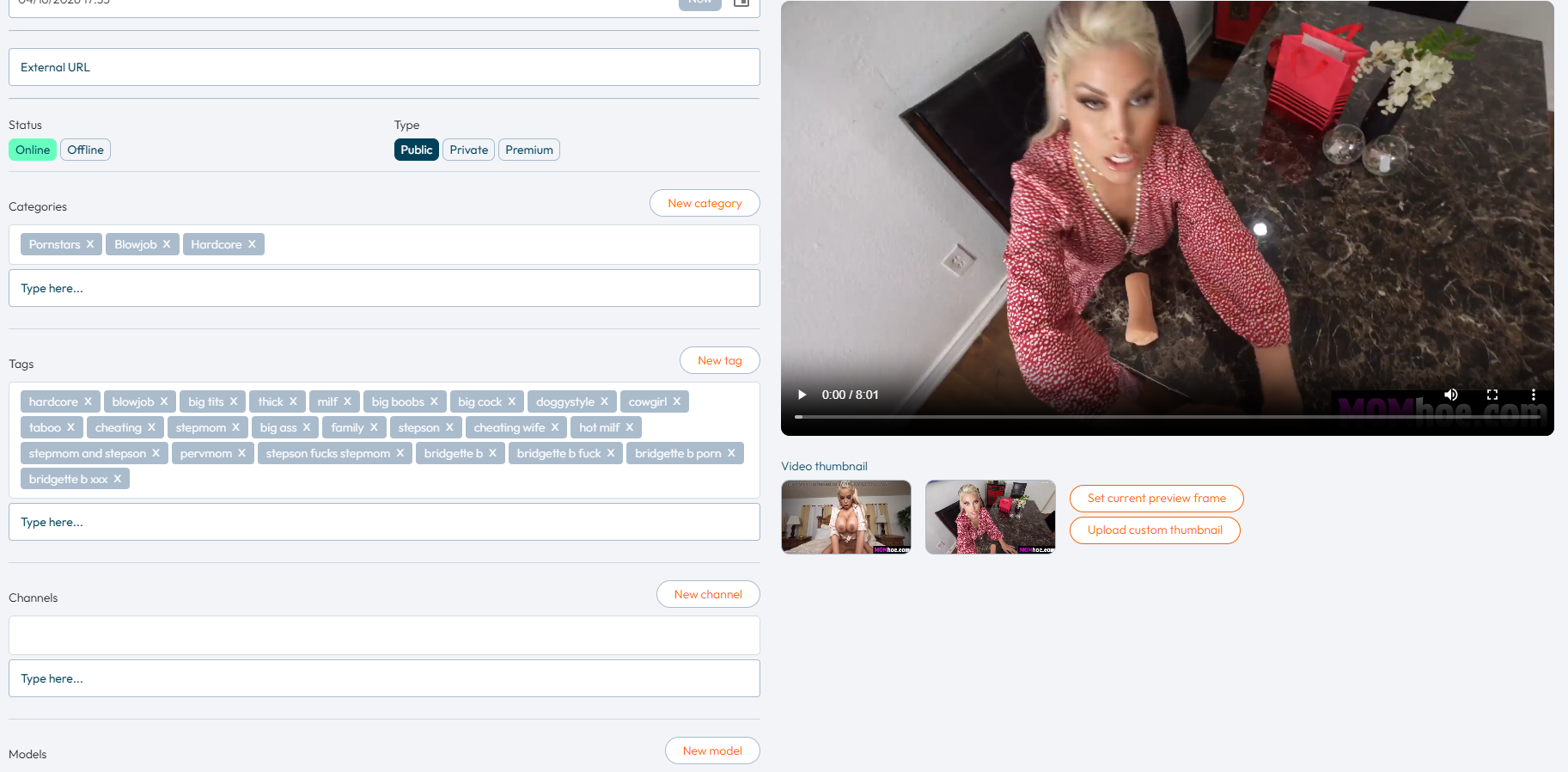 Look for a frame that: - Represents the content clearly - Visually stands out - Looks sharp and clean - Has strong CTR potential Once you find the perfect moment, simply click: Set current preview frame The selected frame will instantly become the main preview thumbnail for the video. 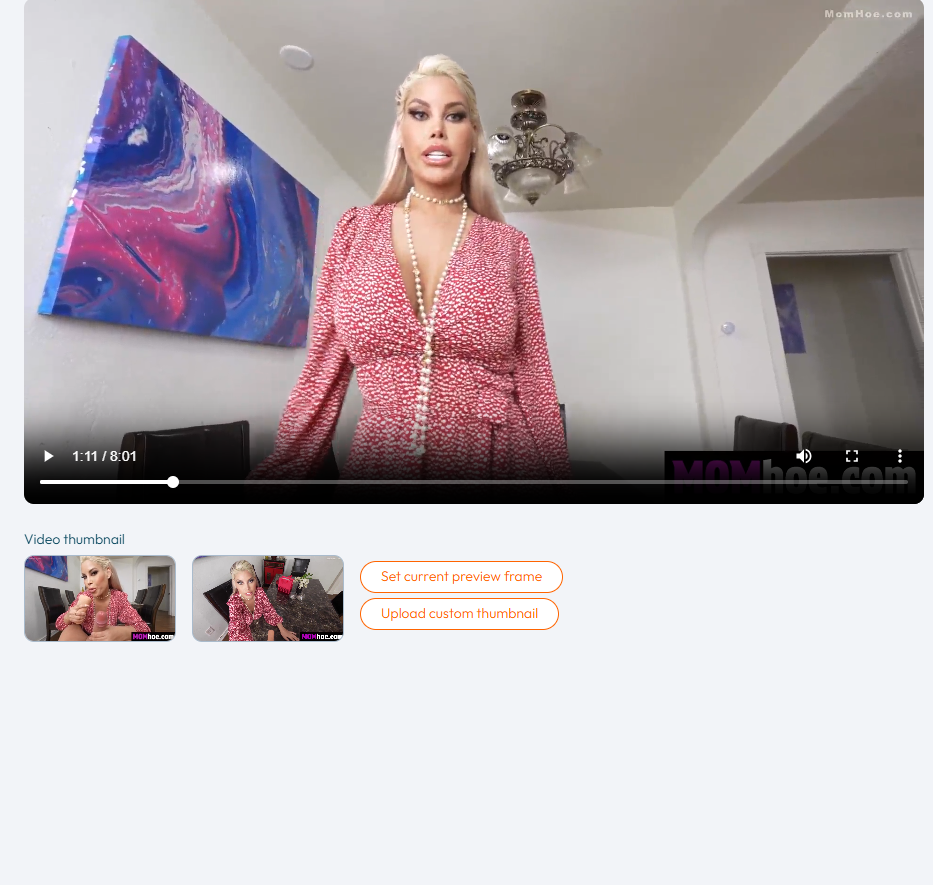 Step 3 — Save the Thumbnail After selecting the frame, review the thumbnail and make sure it looks visually attractive and represents the content correctly. Then simply click: Save 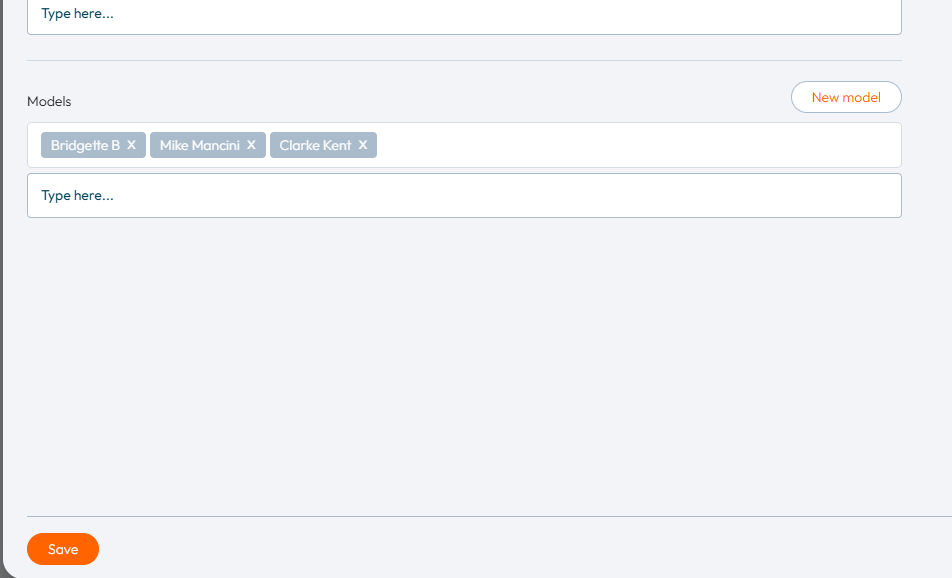 Your new preview thumbnail will now be stored and displayed across your video website. Step 4 — Verify the Final Result Open your video website and verify that the new thumbnail is correctly displayed to visitors. 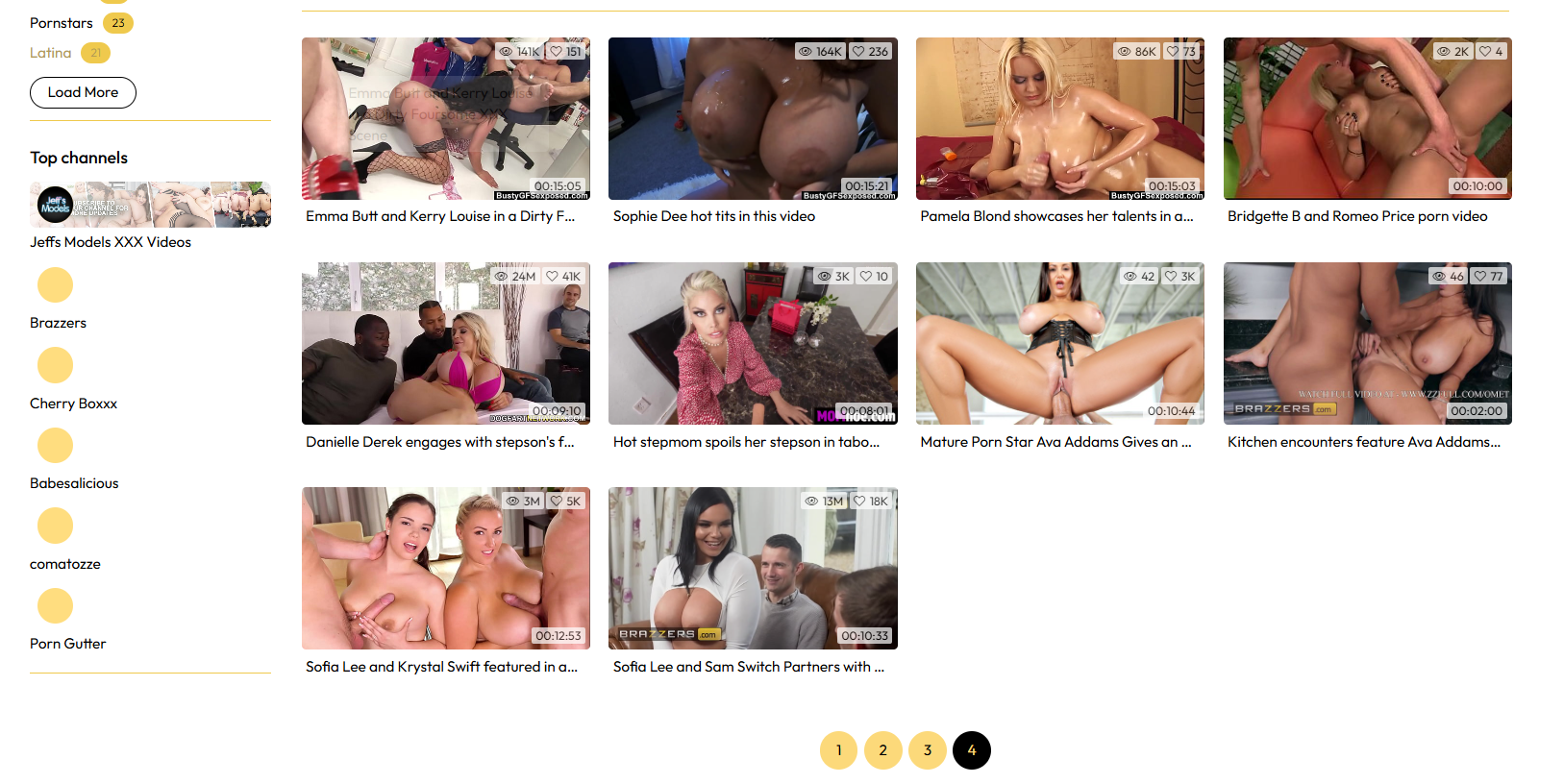 High-converting thumbnails are especially important for niche-focused video websites. The more accurately the thumbnail matches user expectations, the higher the probability of clicks and engagement. Sometimes a single thumbnail can make the difference between an average-performing video and a highly profitable one.
__________________
Tubes Booster – Next-Gen Video - Tube CMS AI · VAST · Video Grabbers · SEO · Monetization · New Features Every Week www.tubesbooster.com • [email protected] |

|


|
|
|
|||||||
|
|||||||
| Bookmarks |
| Tags |
| video, thumbnail, preview, frame, thumbnails, click, scenes, step, website, set, potential, instantly, content, timeline, main, visually, browse, tubes, slider, represents, high-converting, inside, booster, attractive, sharp |


